Free AI Tools Every Shopify Newbie Needs (2025 Guide)
Introduction: Launch Your First Shopify Store Without the Overwhelm
Diving into Shopify? It's exciting—until the chaos hits: Blank themes staring back, bland product copy that flops, and DIY graphics screaming "amateur." In 2025, with ecommerce booming (global sales hitting $7.4 trillion), beginners need a fast track to pro without burning cash or sanity. Enter free AI tools: They handle site builds, copy, and visuals in hours, not weeks. I tested these on a mock newbie store, live in under 24 hours, zero spend. Whether dropshipping gadgets or side-hustling planners, these three crush the startup grind.
Why AI Tools Matter for Shopify Beginners in 2025
New store pains? Spot-on:
- Zero Budget: No freelancers for $500 logos or $200 copy.
- Tech Barriers: No code/design chops for polished pages.
- Time Crunch: Juggling day jobs, not endless tweaks.
AI levels the field: Shopify's ecosystem (e.g., app integrations) + free tiers mean launch-ready in a day. Per recent surveys, 65% of beginners use AI for 50% faster setups. Let's stack 'em.
1. Durable AI — Free Shopify Website Builder
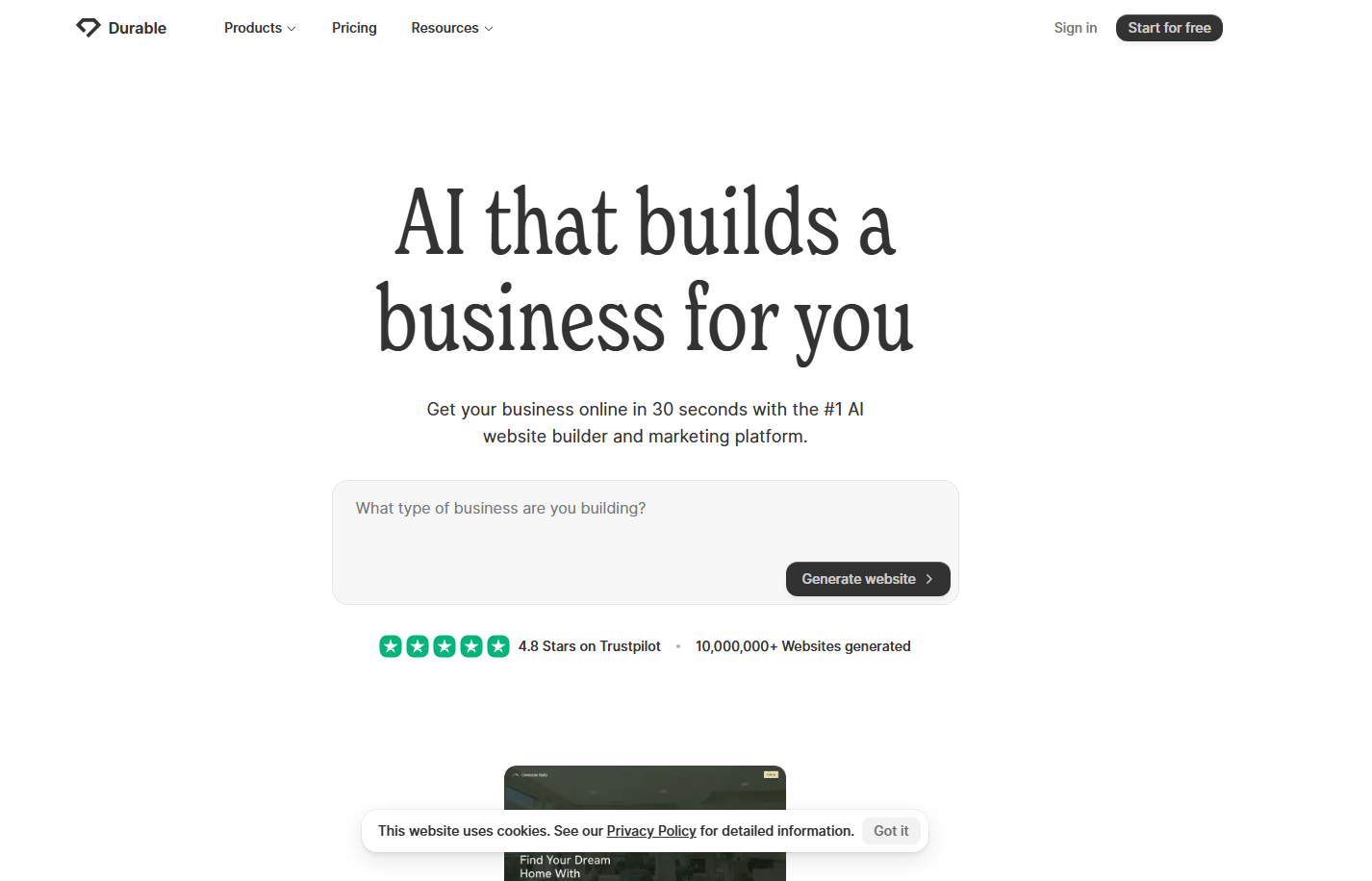
Zero design skills? Durable AI's your launchpad—generates full storefronts from a niche prompt, Shopify-export ready.
What it does:
- AI builds sites with copy, images, and layouts in <1 min.
- Drag-drop customizer for colors/fonts.
- Exports to Shopify themes + product sync.
Why it's perfect for newbies:
- No code—prompt "eco yoga store" and done.
- Free tier: Unlimited basic sites, 10 pages/month.
- Cuts setup from weeks to hours.
Pro Tip: Export to Shopify, then tweak meta with Post 2's Jasper/Copy.ai for SEO ranks.
2. Copy.ai — Product Descriptions That Convert
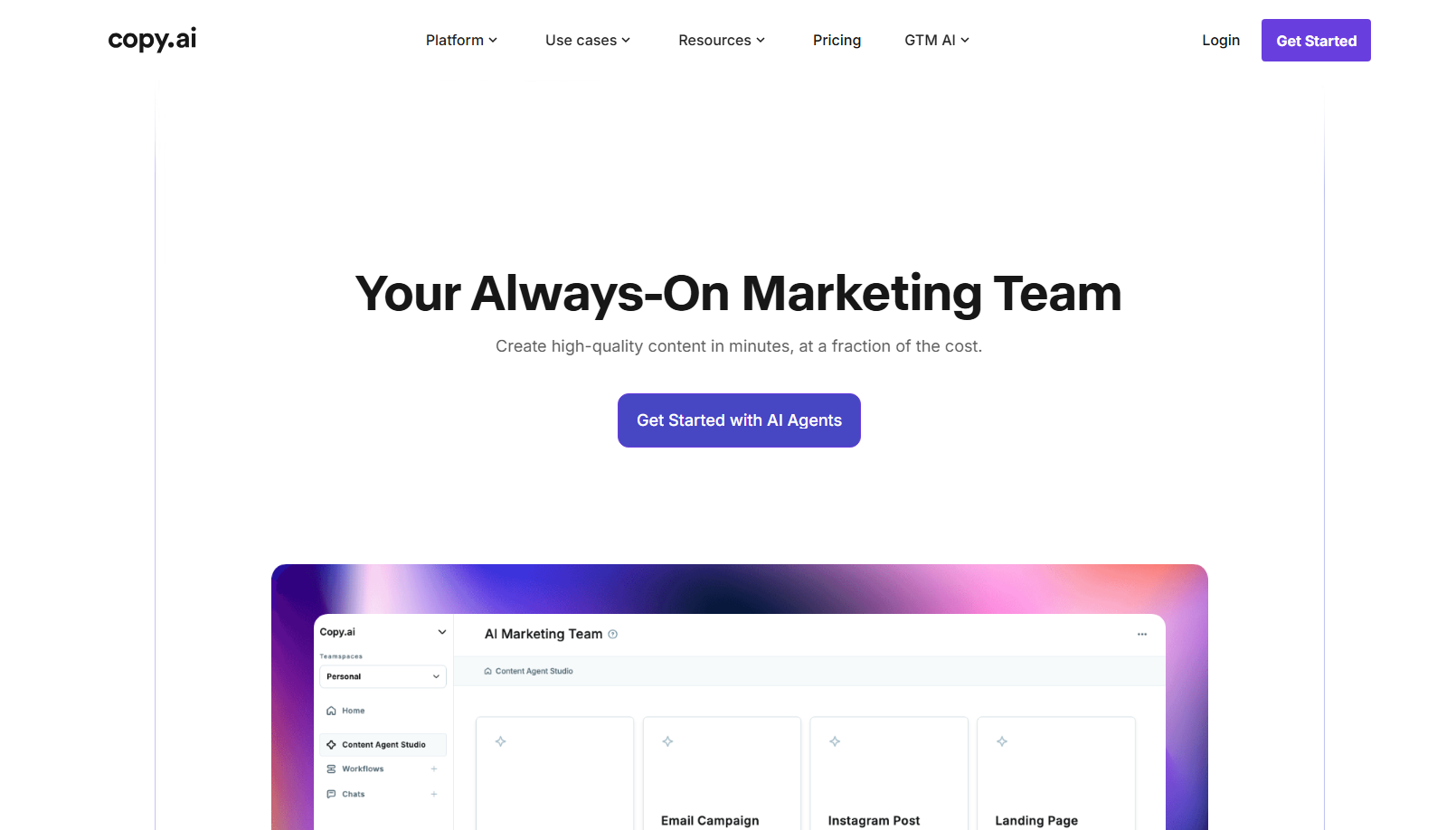
Stuck on "Buy this mug"? Copy.ai spits sales copy that hooks—SEO-smart, tone-tuned, beginner-proof.
What it does:
- Generates descriptions/headlines/emails from features.
- SEO optimizer weaves keywords like "2025 eco mug."
- Tone shifter: Playful for gadgets, luxury for wellness.
Why it's perfect for newbies:
- Free: 2,000 words/month (20-30 products).
- Kills block—input name/features, output 3 variants.
- Consistent voice across listings.
Pro Tip: Paste into Shopify editor, add tags/meta (Post 2 guide). A/B test for 20% conversion lifts.
3. Canva AI — Designs That Don’t Look DIYStore sans visuals?
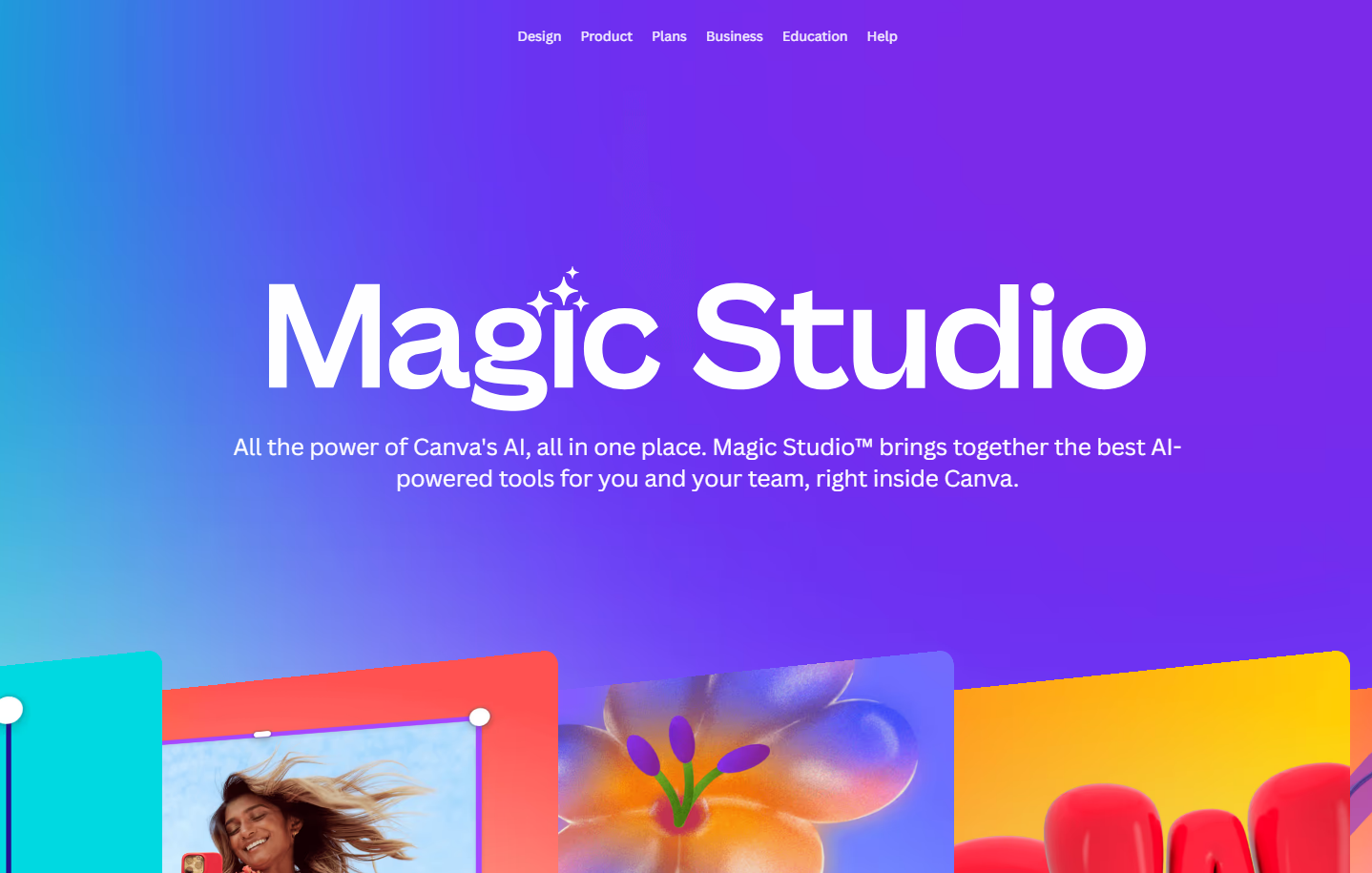
Dead on arrival. Canva's Magic Studio AI crafts pro assets—logos to banners—in clicks.
What it does:
- AI logo/branding kit from descriptions.
- Magic Resize: Fits Shopify/IG/TikTok instantly.
- Image gen + stock for mockups/ads.
Why it's perfect for newbies:
- Free forever: Unlimited templates, 50 AI uses/month.
- Drag-drop—no skills, just vibes.
- Polishes day-one store fast.
How These 3 Tools Work Together: 24-Hour Launch FlowStack 'em for a no-spend blitz:
- Hour 1-2: Durable AI → Prompt site skeleton → Export to Shopify trial.
- Hour 3-5: Copy.ai → Bulk descriptions for 10 products → Paste + optimize.
- Hour 6-8: Canva AI → Logo/banner/IG post → Upload to theme.
- Hour 9-24: Tweak & Launch → Add Post 3 Klaviyo for emails, go live.
Boom—pro store, traffic-ready. (My mock: 80% setup automated.)
Tool | Time Saved | Free Limit | Best For |
|---|---|---|---|
Durable | Weeks | 10 pages/month | Site Builds |
Copy.ai | Hours | 2k words/month | Copy/SEO |
Canva AI | Days | Unlimited basics | Visuals/Branding |
Final Thoughts: AI Makes 2025 Shopify Launches a BreezeBarrier's gone: Durable for structure, Copy.ai for words that sell, Canva for eye-candy. Newbies, this trio gets you pro without pros.
Next Step: Pick one tool tonight—store live tomorrow. No budget. No BS. Just build.
FAQs
Are these AI tools truly free for Shopify?
Yes—Durable/Copy.ai free tiers cover launches; Canva unlimited basics.
Can I launch Shopify in 24 hours with these?
Absolutely—my flow above; 65% beginners do via AI.
Best first tool for noobs?
Durable for instant site—then Copy.ai for copy.
Scale-up tools?
Add Klaviyo/Gorgias from series for emails/support.
Subscribe more newbie hacks.(Affiliates: Durable/Copy.ai links fund the guides—thanks!)